YOUR STACK.ON SCHEDULE.EVERY DAY.
Plan vitamins, minerals, protein, creatine and omega-3 across four daily slots. Mark them taken in one tap, get one grouped reminder per slot, and see how consistent you really are.
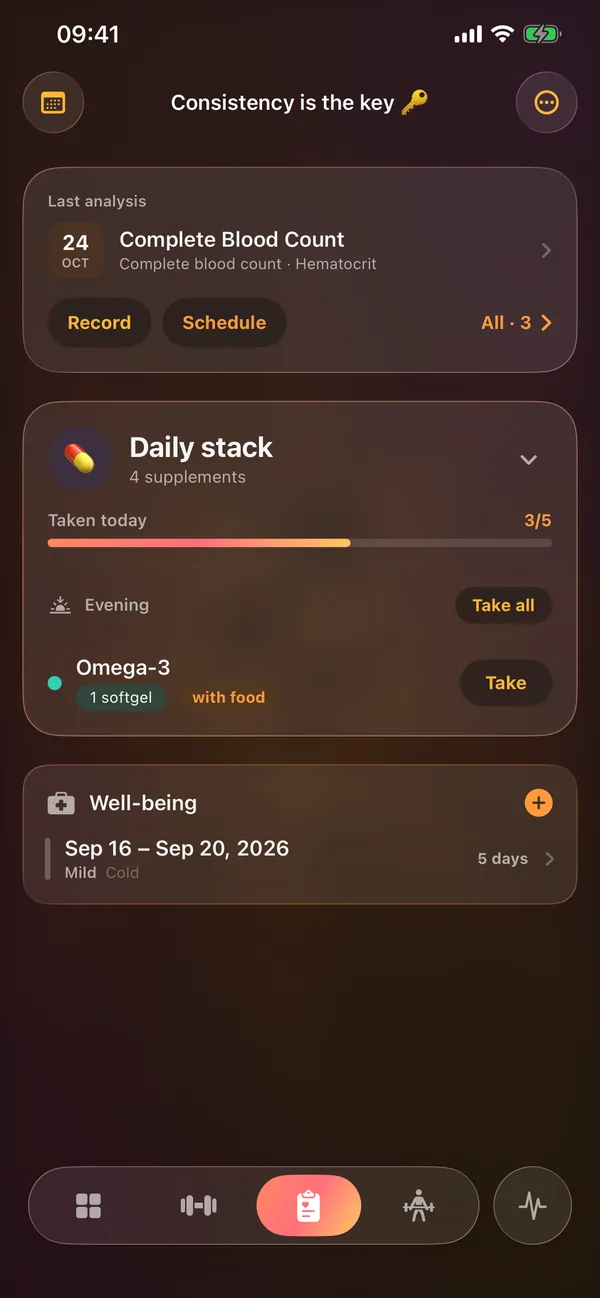
Take today's
stack.
Tap a supplement to mark it taken, tap again to undo. The ring fills the same way as the card on the Hub and the home-screen widget.
Example stack. Doses are entered by you; Riseform never suggests them.
Consistency,
made visible.
Plans, slots and cadence
Keep several named plans and switch the active one. Each supplement has its own dose, unit and meal timing in every slot it's in.
- Morning, afternoon, evening and night, with your own reminder times
- Daily, on chosen weekdays, or in on/off cycles (1–60 days on, 0–60 off)
- Pause or archive an item without losing its history
62 presets in 10 categories
Pick a preset to fill in the name and a default unit, then set your own dose. Or type any supplement you like.
- 15 units, from capsule and scoop to mcg and IU
- Meal timing per slot: any time, before, with or after a meal
- No suggested doses, ever: your plan is yours
See how consistent you are
Taken versus scheduled over the last 7 and 30 days, overall and for each supplement. Skips count as misses; paused days don't count at all.
- One reminder per slot lists everything due
- Reminders planned 14 days ahead
- Next supplement and progress on the Hub and on the Quick Access widget
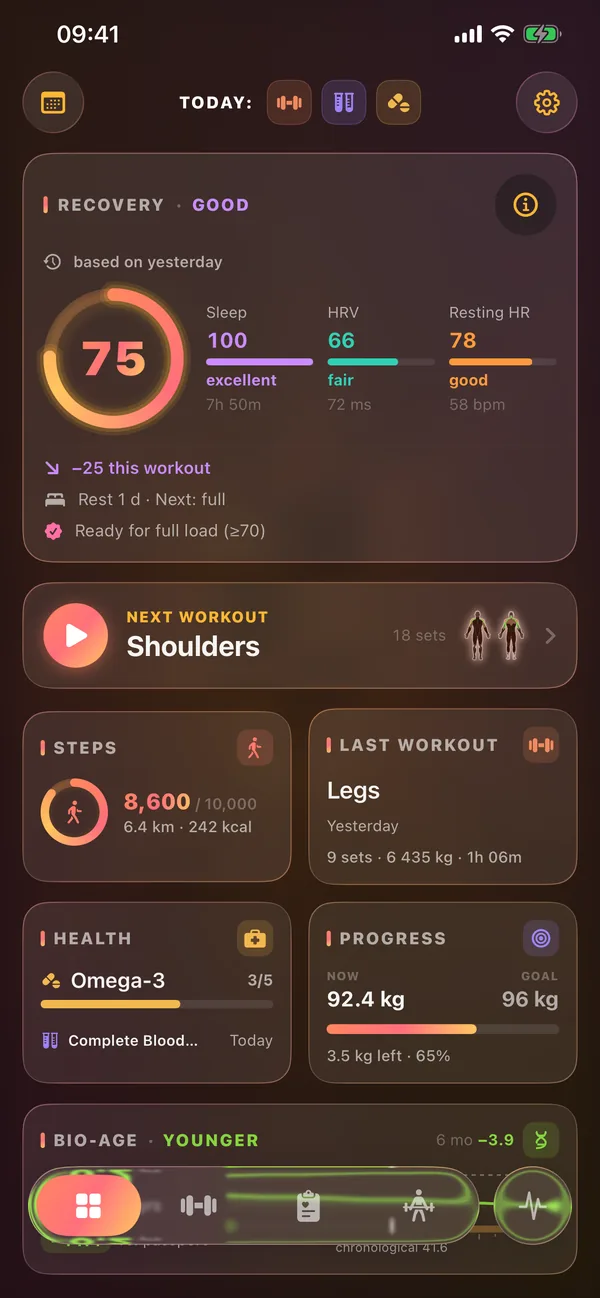
Labs and well-being,
in the same tab.
Every analysis in one place
Date, tags from 18 common markers, notes and up to five photos or PDFs per record. Plan the next one with a reminder.
Days you were ill
Mark a period with its severity. It appears as a band on the recovery chart, so a dip in readiness has context.
Every intake, by day
Taken or skipped, with the time, dose and an optional note. Included in your app backup.
NOTERiseform is a diary. It records what you take, but it doesn't suggest doses, check interactions or give medical advice. Talk to a doctor before changing your supplements.
Questions,
answered.
Does Riseform track food or calories eaten?
No. It tracks the supplements you take: what, when, how much, and how consistently.
Will it tell me what dose to take?
No. A preset fills in a name and a unit only. Doses and schedules are always yours, and the app gives no medical advice.
Can I get reminders?
Yes. One notification per slot lists everything due, at times you choose.
Can I follow an on/off cycle for a supplement?
Yes. Set the number of days on and off and a start date, and the schedule and reminders follow it.
On your device.
Nowhere else.
There is nothing to sign up for, not even an email. Open the app and train.
No ads, no analytics, no third-party SDKs. App Privacy on the App Store: Data Not Collected.
Optional sync through your own private iCloud, plus .gymbak backups and full XLSX export.
YOUR GYM.
YOUR RULES.
YOUR DATA.
Offline. Private. No accounts required.
Built for iPhone, iPad and Apple Watch. iOS 26+. Zero third-party dependencies.