EVERY STEP.COUNTED ONCE.UPHILL TOO.
Riseform combines iPhone and Apple Watch without double-counting, measures elevation with the barometer, and shows your day as a ring that keeps going past the goal.
Your steps,
in numbers.
Move the sliders. The estimates use the same constants as the app; every multiple of your goal earns a ⚡ medal.
When Apple Health has a measured distance, the app uses it instead of the step-length estimate.
Walking,
measured properly.
iPhone and Watch, never doubled
For every time bucket the app takes the higher of the two sources, so the device you actually wore wins and nothing is counted twice.
- Today's ring updates instantly from the motion coprocessor
- History comes from Apple Health
- The home-screen widget reads the sensors itself, even when the app is closed
From one week to a whole year
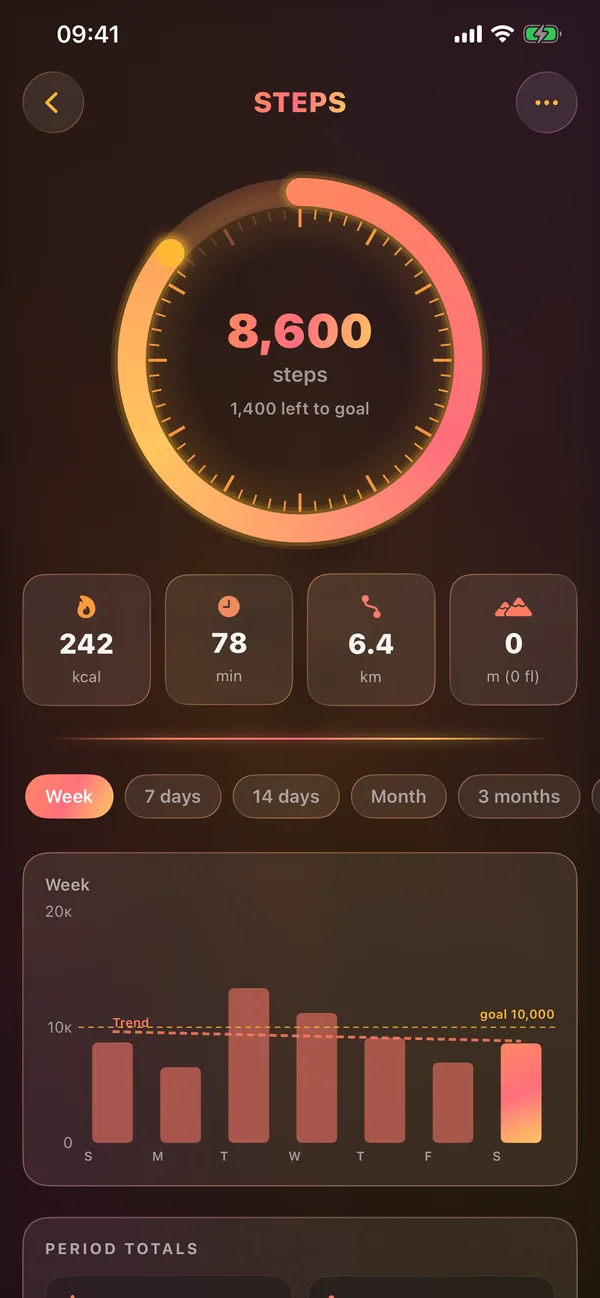
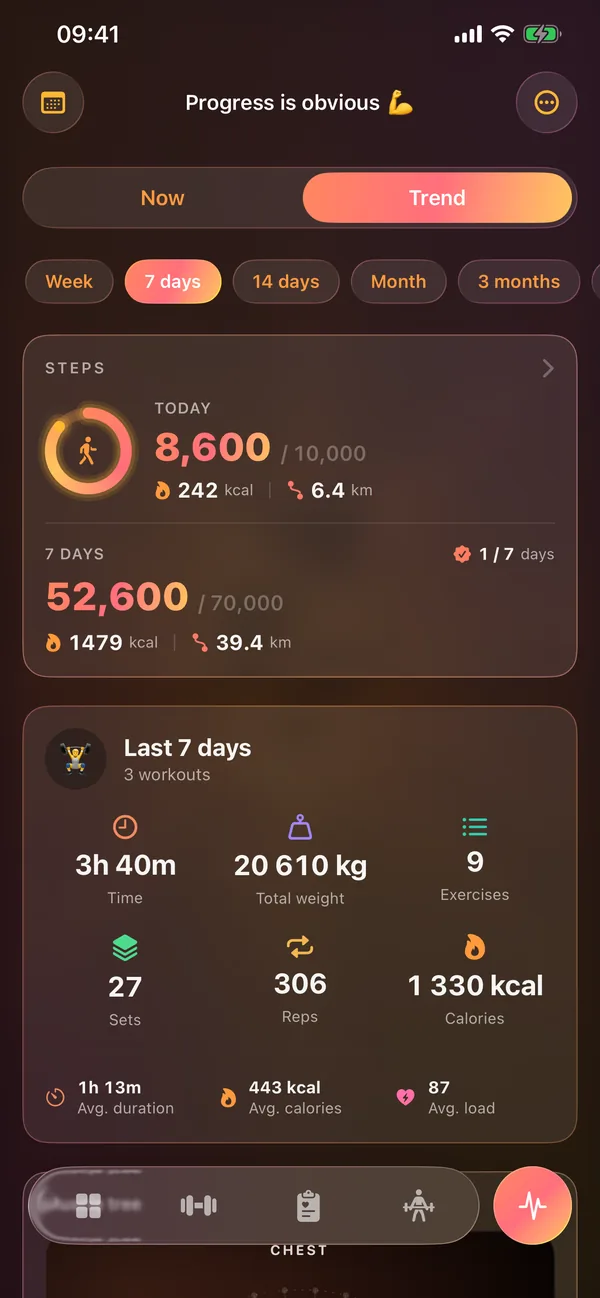
Bars with a trend line and your goal line, plus period totals for steps, distance, calories, ascent, daily average and speed.
- Week, 7 days, 14 days, month, 3 months, 6 months and year
- Each day keeps its own goal, so history stays honest
- Goals met at a glance: ✓ 5 / 7 days
Hills count, not just stairs
The barometer catches slow outdoor climbs that stair counting misses. An optional background mode keeps it measuring on long walks.
- Background mode is off by default
- Location only keeps the barometer awake while you walk
- Coordinates are never read, stored or sent
More than
a number.
Cardio fitness, rated
Apple Watch VO₂max compared with norms for your age and sex: low, fair, good or high.
Walking and resting HR
Both on one chart with a trend line, so you can see your fitness change over months.
Sleep, training, steps
Do you walk more after a long night or on training days? Shown over 90 days, as an association, not a cause.
Past the goal
A haptic when you hit the goal, a ⚡ for every multiple of it and up to three extra rings outside the main one.
Home screen and Watch
Small and medium step widgets, and a steps ring on the Watch home screen next to recovery.
Yours to keep
Every step day is in your backup and in a Steps sheet of the XLSX export.
Questions,
answered.
Do I need an Apple Watch?
No. iPhone counts steps on its own. With a Watch, the app combines both without double-counting.
Does Riseform track my location?
Only if you turn on the optional background elevation mode, and even then coordinates are never read, stored or sent.
How are calories estimated?
From your weight and walking distance, using a published constant for net walking energy. It estimates the energy of walking, not your total daily burn.
Can I change my goal?
Yes, anywhere from 1,000 to 50,000 steps. Each day keeps the goal it had, and a new day starts with yesterday's.
On your device.
Nowhere else.
There is nothing to sign up for, not even an email. Open the app and train.
No ads, no analytics, no third-party SDKs. App Privacy on the App Store: Data Not Collected.
Optional sync through your own private iCloud, plus .gymbak backups and full XLSX export.
YOUR GYM.
YOUR RULES.
YOUR DATA.
Offline. Private. No accounts required.
Built for iPhone, iPad and Apple Watch. iOS 26+. Zero third-party dependencies.